
The Smart Thermostat Switch
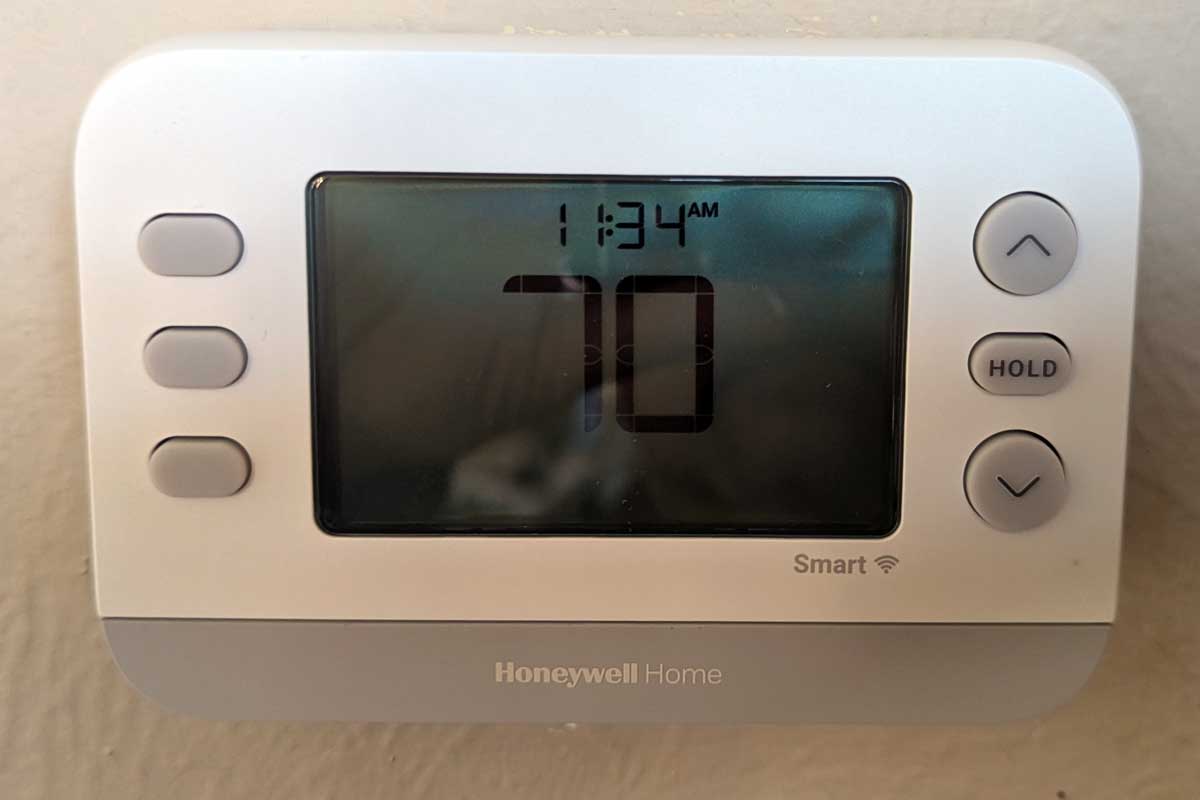
The Simple Wiring Fix That Saved My Sanity (and My Weekend)
You know how it is here in the shoulder seasons. Some days, we’re hitting 80 degrees, and the next, we plummet down to a chilling 40. Dealing with this kind of meteorological mood swing meant constant, manual trips to adjust that old, yellowed plastic thermostat—the kind that looks like it’s been through three decades of sun and sticky fingers. Honestly, it was a pain.
I knew it was time for an upgrade. I chose the Honeywell Home T2S smart thermostat (why? It was on sale). The goal: install this new, modern brain to manage the house’s climate control, finally bringing some intelligence and automation to our heating and cooling. I figured it would be an easy swap. I mean, how complex can a few wires be?
The Unexpected Detour
I pull off the old unit, label the wires, and meticulously connect everything to the new Honeywell base plate. Click. The new unit snaps onto the wall. It looks great! A major cosmetic improvement right away. I’m already feeling like a home-improvement hero.
Then, the moment of truth.
I flip the breaker back on. Nothing. The screen is dark. Dead.
I check my wiring, thinking I must have mixed up the R (power) and W (heat) terminals. Everything looks correct according to the manual. I check the power at the furnace. Everything seems fine. This is the kind of task that, in my experience, starts with a simple goal but quickly morphs into a weekend-consuming puzzle. You know the drill: the one where you are taking turns running down to the hardware store for a new multimeter or a specialty wrench, even though you swore you had everything you needed.
🔌 How to Fix the Mystery of the Dead Thermostat
I stand there, staring at the blank screen, feeling my internal temperature rise. I’m thinking, “Did I get a faulty unit? Is the house wiring fried?”
I stop and look closely at the thermostat package. Sure enough, right there in small print, it says “C-Wire Required.” Until this moment, I didn’t know what that meant. I just thought it was another connection terminal. Now, I have a suspect: the missing “C” wire, or Common wire.
I decided to take a modern approach to a classic wiring problem: I bring in the AI. I describe my setup and the problem—new smart thermostat, no power, and this vague “C-Wire” requirement—to Claude AI.
Claude immediately suggests the common issue with smart thermostats: they are small computers that need constant, dedicated 24-volt power, which is supplied by the R (Power) and C (Common) wires. Older, “dumb” thermostats don’t need this continuous power.
I look at the wires coming out of my wall. Sure enough, there’s a blue wire tucked and unused inside the wall, but it was not hooked up on the old thermostat’s base plate.
Connecting the Final Piece (Way Up High)
Since the furnace lives in the attic, the simple discovery of the blue wire means I now have a sweaty (honestly, this time of year it’s not so bad), dusty, cramped trip ahead of me. I climb up, navigate the rafters, and locate the control board on the furnace unit.
I open it up and quickly spot the terminal block with the labeled connections: R, W, G, Y, and finally, COM. That COM stands for Common.
I trace the unused blue wire coming from the thermostat cable. Bingo. It’s coiled around the wire bundle inside the furnace cabinet. I strip the end of that blue wire and use a small screwdriver to firmly secure it to the COM terminal on the furnace control board. I make sure all the other connections are tight before I close it up.
Back downstairs, I flip the main breaker switch on the furnace one more time.
Success! The Honeywell Home T2S smart thermostat screen lights up immediately. The unit runs through its setup routine; I connect it to Wi-Fi, and is ready to go. The satisfaction of solving an electrical puzzle—especially one that involves an unexpected detour up into the attic—is always immense.
The Final Verdict
The thermostat itself is a huge win. We are finally setting up schedules and adjusting the temperature from the couch or when we’re away. It’s a major quality-of-life improvement compared to the old manual adjustment routine.
I will admit, I don’t love the First Alert app (which this unit uses). It feels a little limited in setting up more complex programming schedules than I’d like. However, the convenience and the fact that I don’t have to get up five times a day to adjust for the crazy weather more than make up for any app limitations. Furthermore, just having that clean, modern unit on the wall—replacing that ugly, faded relic—is a massive cosmetic upgrade.
If you are thinking of installing a smart thermostat, just remember to check for that “C” wire first and confirm it’s connected to your furnace, even if it means a trip to the attic!
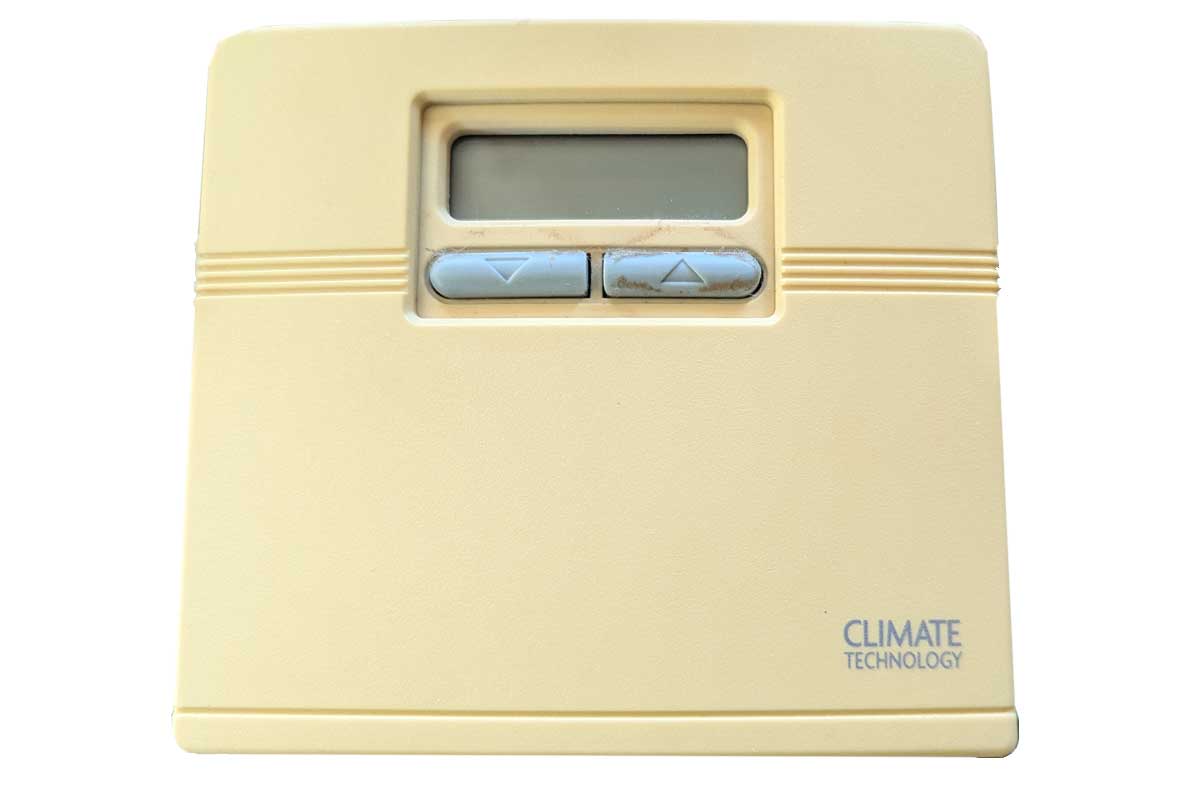
Original Thermostat… used to be platinum color… now looks like old teeth
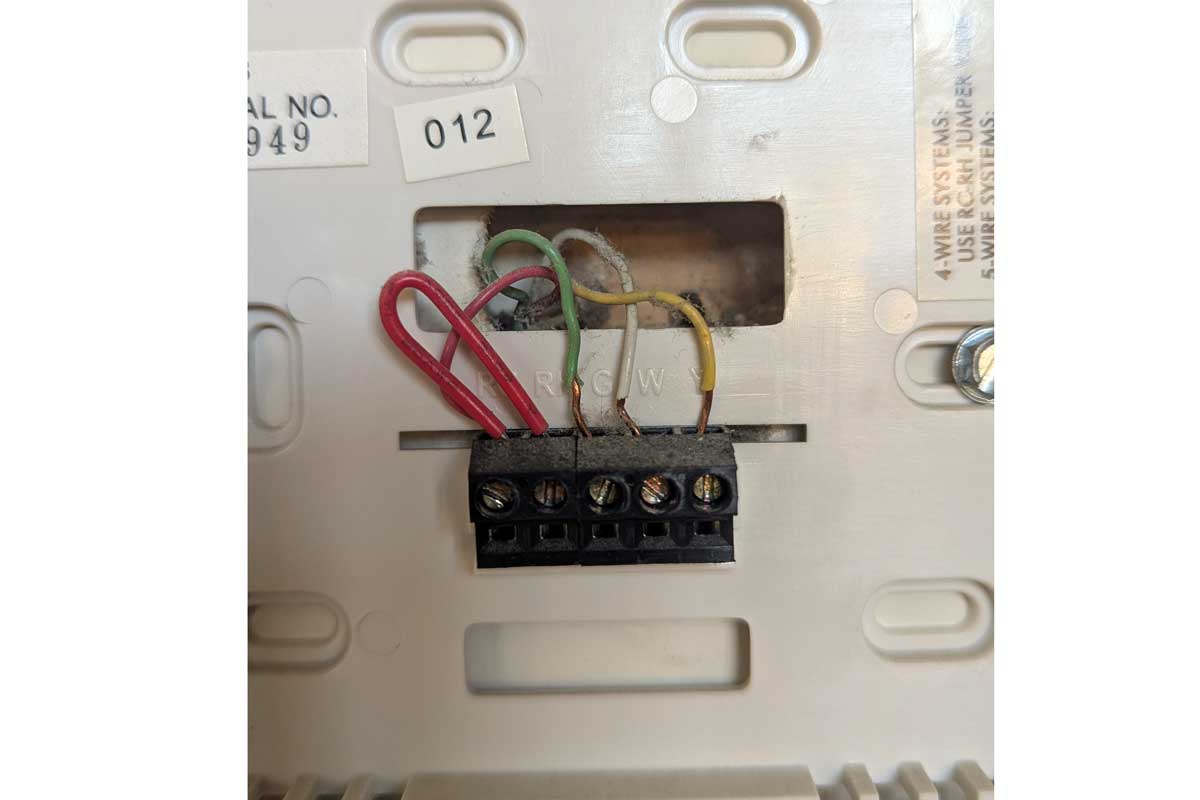
Simple wire configuration for the old thermostat of just 4 wires and a power jumper (red loop)
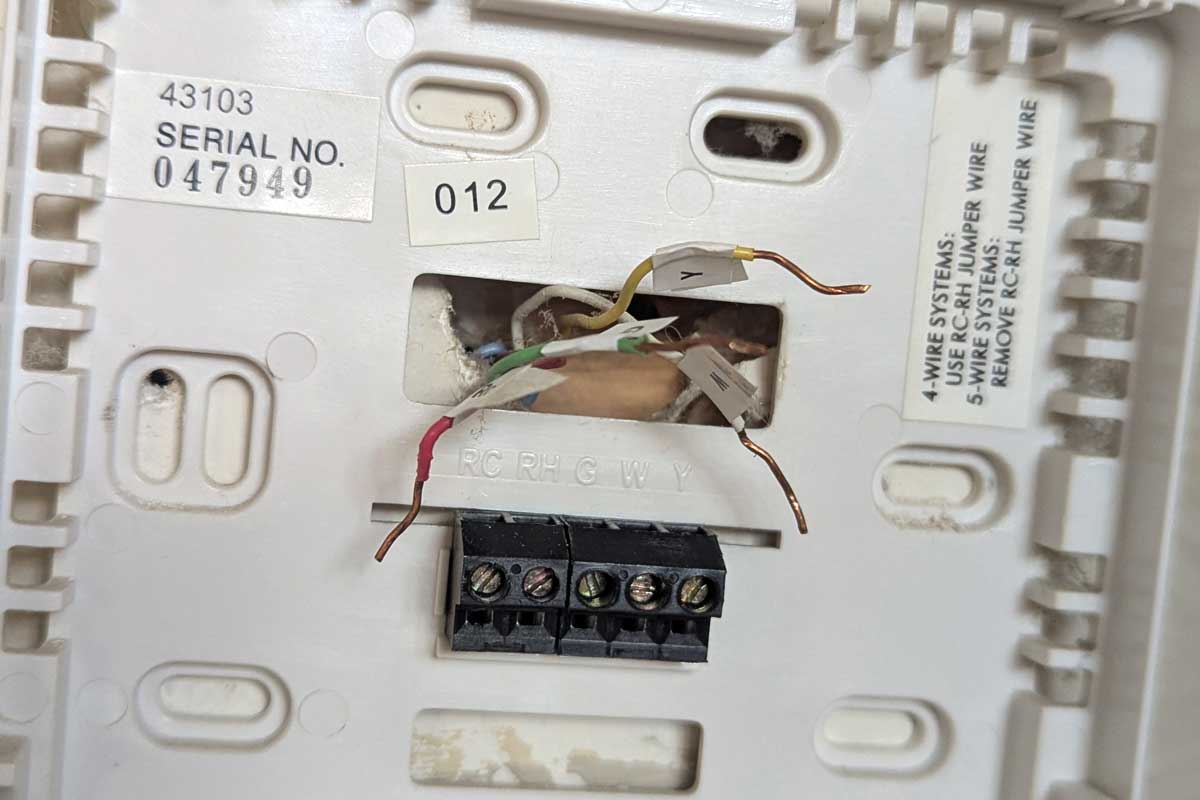
Wires are tagged (W, Y, G, Rc) before the old plate is pulled
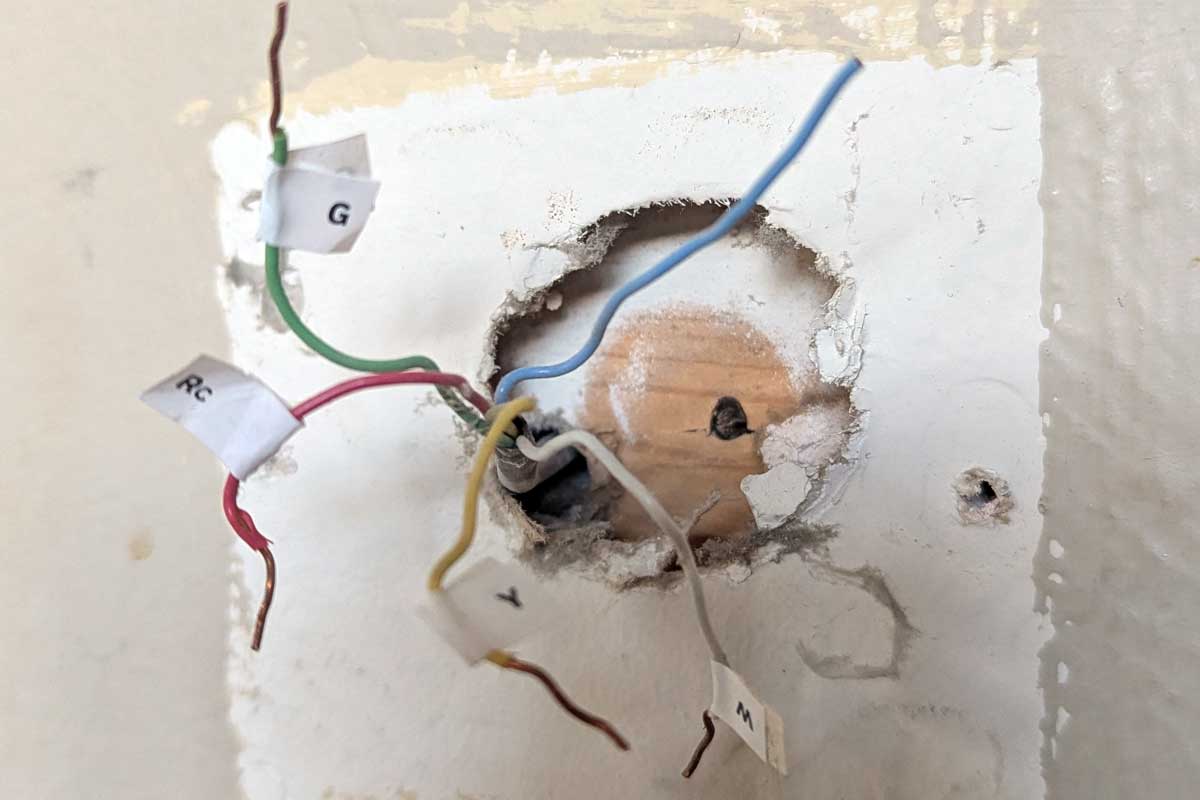
Old plate removed; Mystery blue wire not connected… this will be important later.
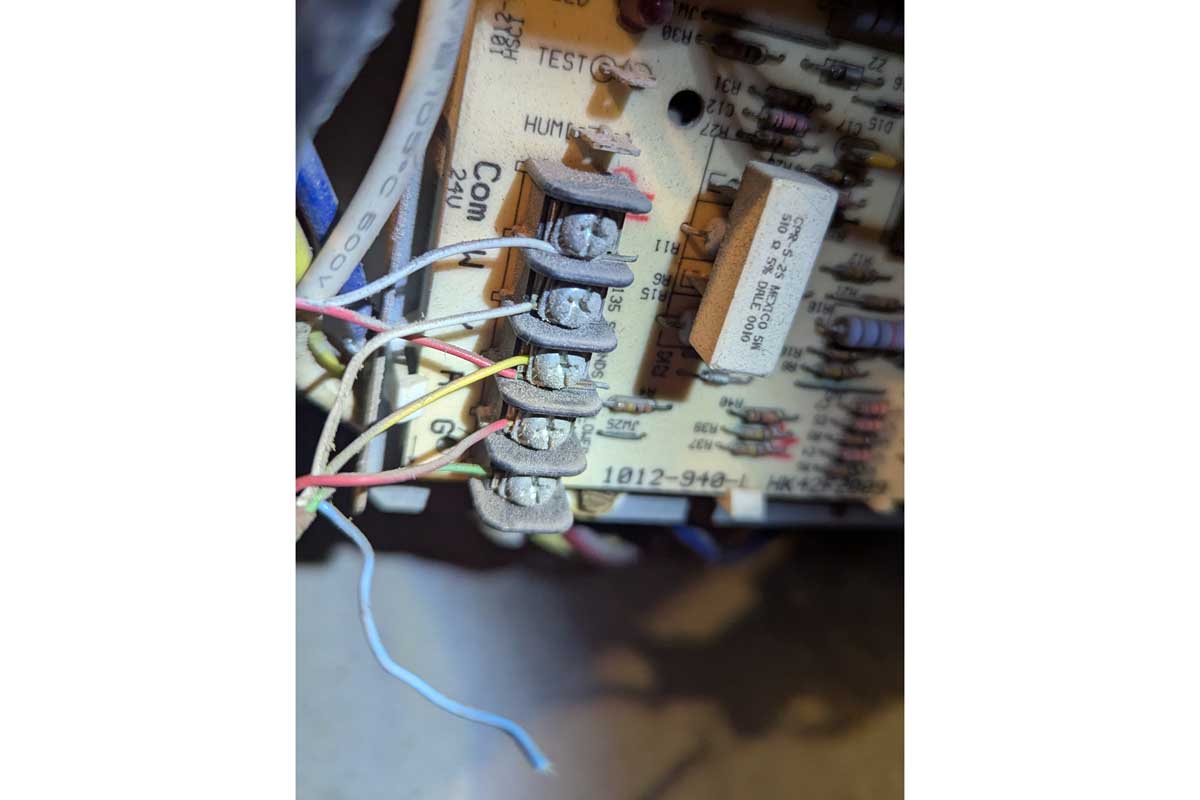
Upstairs in the attic furnace: The mystery blue wire is not connected
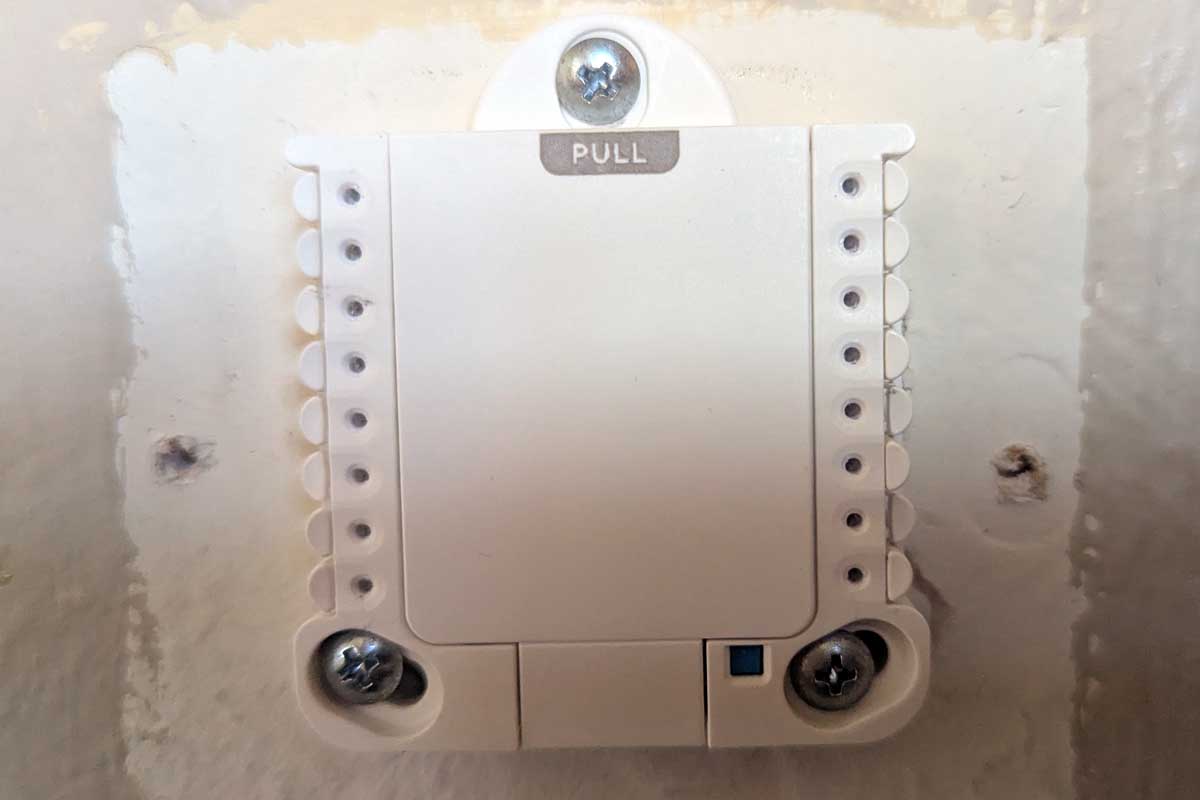
Cover in place, ready to receive the thermostat screen
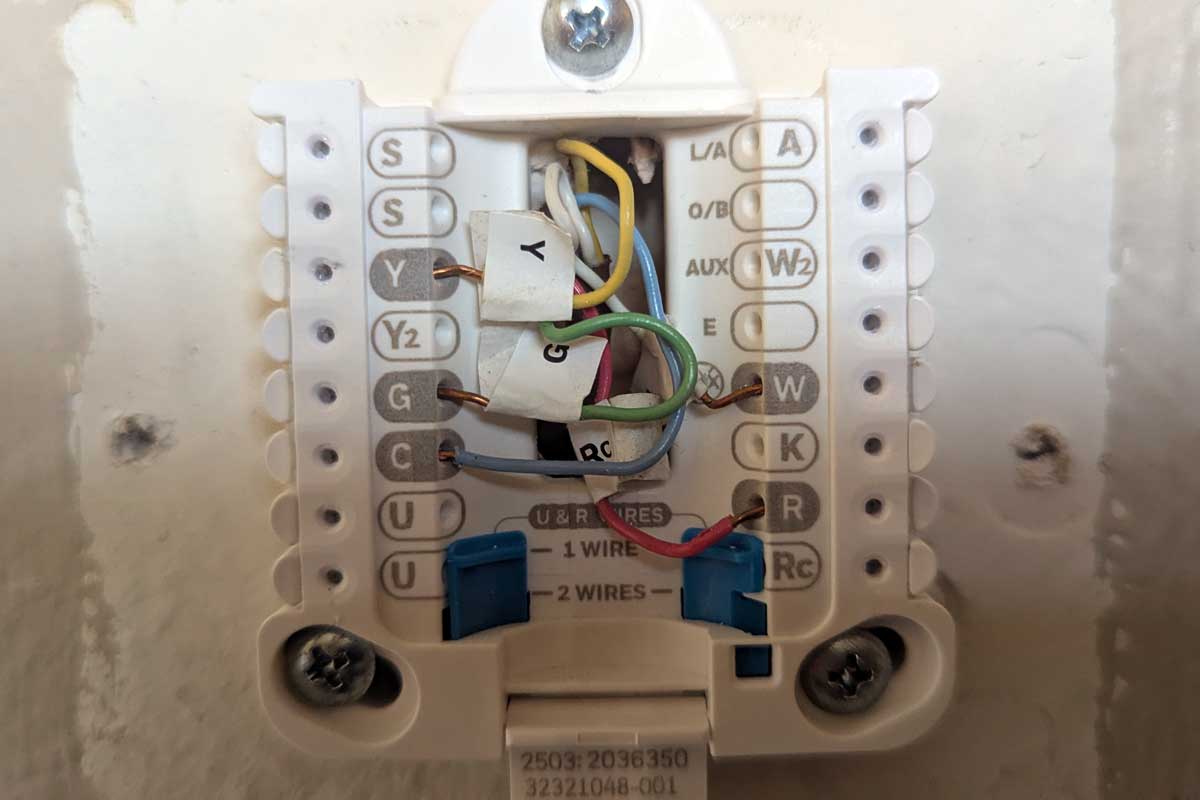
New plate with wires connected (blue wire goes in “C” or common)
With common wire connected, the unit is fully functional. WiFi connects to app for world-wide control.
✈️ Why a Wi-Fi Thermostat is a Game-Changer
For the Frequent Traveler:
- Remote Access: I can now turn the heat down to save energy right after I leave the driveway. And better yet, when I’m on the plane landing in Chicago, I can crank the heat back up so I come home to a cozy house, not a cold one.
- Pipe Protection: If I’m away in the winter, the app sends me an alert if the interior temperature suddenly dips too low, which is a major heads-up that a pipe might be close to freezing. Peace of mind is priceless.
For the Variable Climate:
- Automated Switching: We are no longer debating if we need the AC or the heat. The system will automatically switch between heating and cooling to maintain a comfortable temperature throughout the day’s wild swings.
- Energy Savings: The ability to schedule based on our habits means we aren’t wasting money heating or cooling an empty house. The unit optimizes usage, which is a definite bonus on the utility bill.
- Hands-Free Adjustments: The biggest convenience? When I’m already tucked in bed and realize I’m too warm, I just grab my phone and tap the temperature down. No more getting up!